360-degree can design: layout rules that actually work
A can never shows its whole design at once. Only about a third is visible – and that changes the design logic fundamentally.
Published: 2026-08-12 · Reading time: 5 min
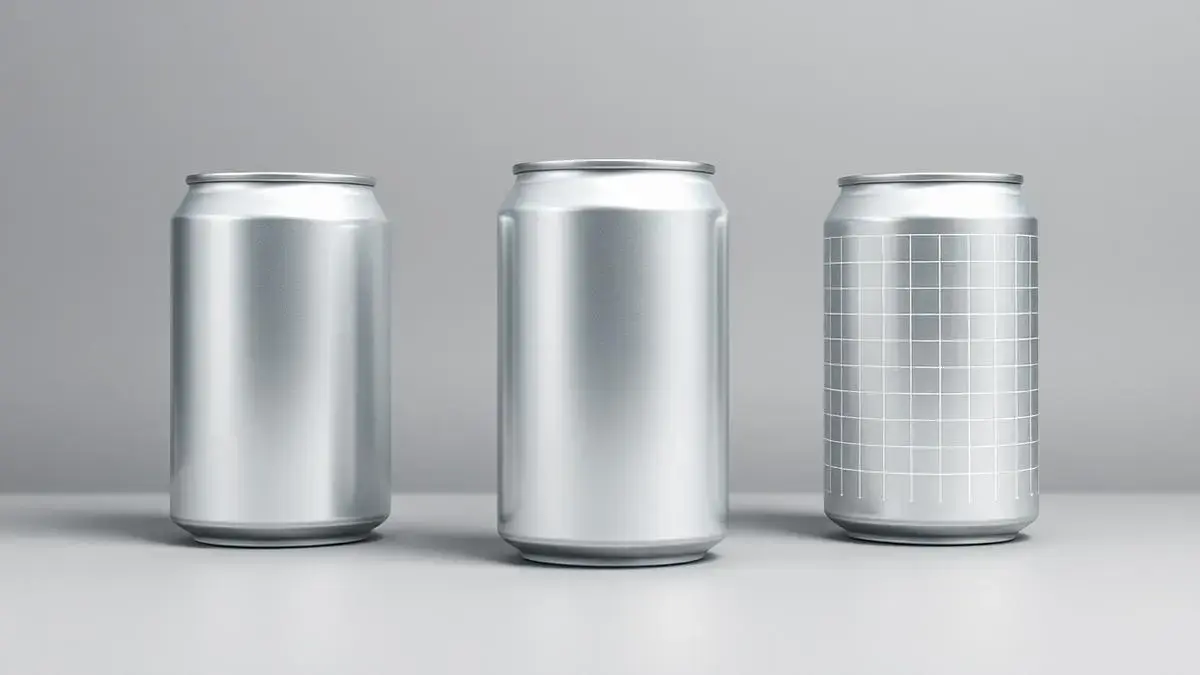
Only a third is visible
Standing in front of a shelf you see around 120 degrees of the can. A logo placed once on the back is invisible half of the time. Place the core message so it reads from any direction.
Straight to the product: Custom energy drink – 250 ml slim or 500 ml, full 360° print, from 504 cans.
Repetition beats uniqueness
Two or three logo repetitions around the can are standard, not overkill. Keep the spacing constant so no area feels crowded.
Plan calm zones
The artwork distorts at the top and bottom rim. Declarations, contact details and QR codes belong in the body zone with good contrast. Fine lines and very small type are hard to read on a curve.
- Put the core message in the body zone
- Repeat the logo two to three times around the can
- Choose larger type sizes than you would on screen
- Place QR codes on a calm, high-contrast background
Gradient or flat colour?
Gradients around the can look premium but need a clean transition at the seam. If in doubt, work with flat areas and one strong accent band – that reads well from every angle.
Frequently asked questions
- How often should the logo appear?
- Two to three times around the can so it is visible from every viewing angle.
- Where should no key content go?
- At the top and bottom rim – the artwork distorts there during wrap-around printing.
- Do gradients work?
- Yes, provided the transition at the seam is prepared cleanly. Our template marks that zone.
Related pages
More on this topic – guides, product pages and the configurator.
Printing cans: 250 ml slim or 500 ml – and what belongs in your print data
Printing 250 ml slim or 500 ml cans: format comparison, full-surface printing, artwork preparation and layout templates for your promotional drink.
ViewCustom energy drink
250 ml slim or 500 ml, full 360° print, from 504 cans.
ViewCan configurator
Upload your logo and design the can online – see the result instantly.
ViewPrint beverage cans
Have cans printed with your own logo – 250 ml and 500 ml, from 504 units.
ViewMore articles in this topic
Have a concrete project?
Send us the key facts – you usually get a quote within 24 hours and a free sample on request.